


Quick answer: For most consultants and coaches, Appointlet is the best place to start. It covers what you actually need: calendar sync, intake questions, reminders, and paid sessions, on a free plan that’s genuinely usable and a $9/member/month paid tier with real human support. If you sell multi-session packages or need HIPAA compliance, Acuity Scheduling handles that better. If you care a lot about how your booking page looks and feels to clients, SavvyCal is worth the money.
Most scheduling tools are built for generic meetings. A coaching or consulting calendar has to do more than just find an open slot.
You need a booking link that collects the right information before the call, takes payment when the session is paid, stays in sync across your calendars so you never double-book, and sends reminders so people actually show up.
A basic time-picker doesn’t do that, and most consultants and coaches figure that out after the first missed session or the third “wait, what are we meeting about?” call.
We compared the tools consultants and coaches reach for most and ranked them on how well they handle actual client work. Appointlet is our product, so we’re not neutral here, but we’ll be upfront about that throughout. We’re also going to be honest about where other tools do things we don’t.
Which scheduling tool fits your coaching or consulting practice?
It depends on what you’re solving for. This is the short version:
| Your situation | Best pick | Why |
|---|---|---|
| Solo coach or consultant who needs the basics done well | Appointlet | Real free plan, $9/member paid, human support, intake and payments included |
| Small team routing clients to the right person | Appointlet | Round-robin and collective bookings on a plan that won’t drain your budget |
| Selling multi-session packages, programs, or memberships | Acuity Scheduling | Native package, subscription, and session-credit tracking |
| Booking experience that makes a good first impression | SavvyCal | Clients pick times overlaid on their own calendar |
| Free forever, no meeting limits, solo user | Cal.com | Unlimited meetings and event types on the free plan |
| Simple, recognizable booking link | Calendly | Fast setup and most clients have seen it before |
How do these scheduling tools compare on features and price?
All prices reflect annual billing. Check the live pricing pages before deciding, since plans change.
| Feature | Appointlet | Acuity | Calendly | SavvyCal | Cal.com |
|---|---|---|---|---|---|
| Free plan | Yes (5 members, 25 meetings/mo) | No (7-day trial) | Yes (limited) | No (trial) | Yes (1 user, unlimited) |
| Starting paid price | $9/member/mo | $16/mo | $10/seat/mo | $10/user/mo | $12/user/mo (Teams) |
| Payments | Yes (paid plan) | Yes | Yes (paid plan) | Yes (Premium) | Yes (free plan) |
| Packages / subscriptions | No | Yes | No | No | No |
| Intake forms | Yes | Advanced | Basic | Yes | Yes |
| Reminders | Email (SMS via Zapier) | Email + SMS (higher tier) | Email + SMS (paid) | Email + SMS | |
| Round-robin / team | Yes | Yes | Yes (Teams) | Yes | Yes (Teams) |
| Human support on free/low tiers | Yes | Limited | Limited | Limited | Community + docs |
1. Appointlet
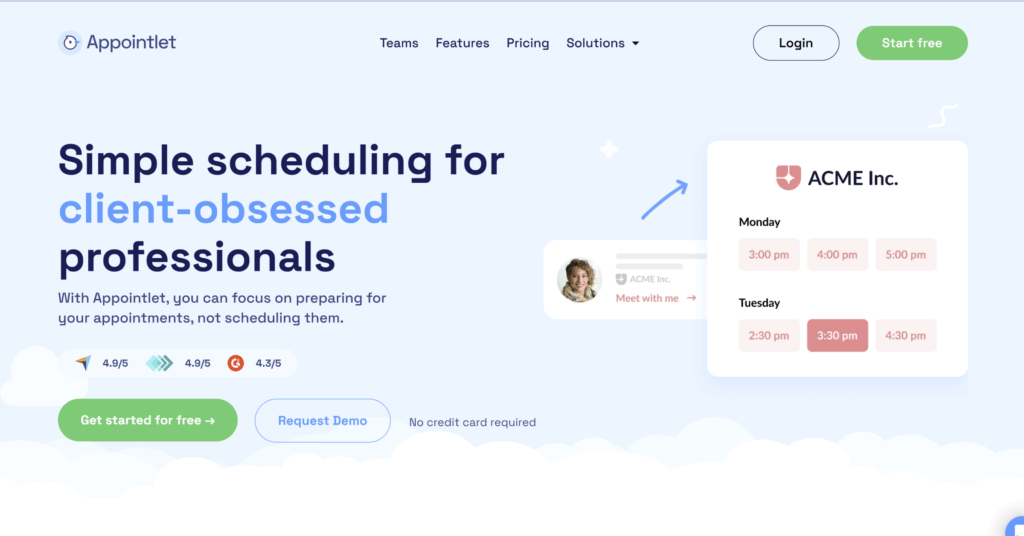
Appointlet has been around since 2012 and has stayed focused on a major idea: do the core booking job well, skip the extras most people don’t need, and keep the price low. For a consultant running discovery calls or a coach booking one-on-one sessions, that’s usually enough.
What Appointlet does well for coaching and consulting:
- Intake questions come built into the booking form (text fields, single and multiple choice, checkboxes), so you walk into every call already knowing what the client wants to discuss.
- Paid sessions run through Stripe or PayPal on the Premium plan, with payment collected at the time of booking. That alone cuts down on unpaid no-shows.
- Buffers, minimum notice windows, and daily limits give you control over your schedule so you’re not stacking seven sessions in a row and wondering why you’re exhausted by 3 PM.
- Calendar sync works with Google and Office 365, and email reminders go out automatically.
- If you bring on associate coaches, round-robin and collective bookings route clients to the right person without anyone playing traffic cop.
- A real person answers support, even on the free plan. For a solo coach without an IT team, that honestly matters more than a lot of the items on the comparison table above.
Where Appointlet falls short:
- Packages: If you sell six-session coaching programs and want the tool to count down remaining sessions, Acuity does that, and Appointlet doesn’t.
- SMS reminders also aren’t built in; you’d need a Zapier connection for that.
- If you handle protected health information, this isn’t the right tool. There’s no HIPAA compliance or SSO.
Pricing: Free forever for up to 5 members and 25 meetings a month. Premium is $9/member/month billed annually ($12 month-to-month), which unlocks access to adding payments, unlimited meetings, and branding removal. New accounts get a 14-day Premium trial that automatically drops to free.
Appointlet is the right pick for you: If you’re a solo practitioner or small team that needs scheduling, intake, and payments handled simply, at a fair price, with someone to email when something breaks.
2. Acuity Scheduling
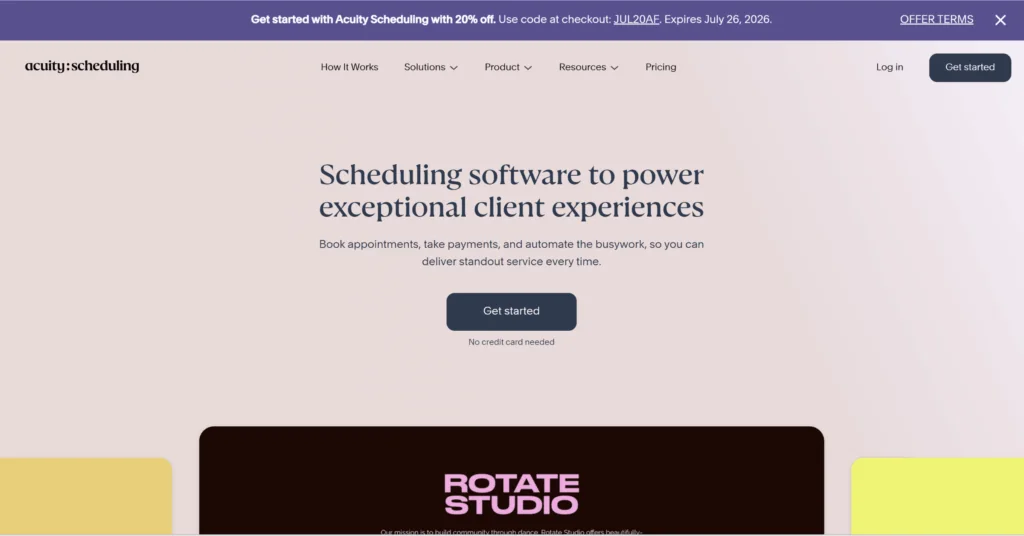
Acuity, now owned by Squarespace, is the most complete tool on this list for coaches who run structured programs rather than one-off calls. If your business model involves multi-session packages, memberships, or detailed client intake, Acuity was built for exactly that.
What Acuity does well for coaching and consulting:
- Program tracking is the standout. It handles packages, subscriptions, and gift cards natively, and keeps count of how many sessions a client has left.
- Intake forms go deeper than most of the other options here. You can collect goals, agreements, and consent forms, all tied to the client’s profile.
- The Powerhouse tier adds HIPAA support, which matters for coaches and consultants working in health-adjacent fields.
- Multi-staff scheduling and availability controls are thorough enough to handle a growing practice.
Where Acuity falls short:
- No permanent free plan, just a 7-day trial, so you’re committing to paid from the start.
- SMS reminders and package tracking sit on higher tiers, so costs add up quickly.
- The admin interface is thorough, which is a polite way of saying it has a lot of settings and menus. If all you want is a clean booking link, it’s more tool than you need.
- Billing runs through Squarespace, which can catch teams off guard.
Pricing: No free plan. Emerging is $16/month, Growing is $27/month (adds SMS, packages, memberships), and Powerhouse is $49/month (adds HIPAA and multiple time zones). All billed annually.
Acuity is the right pick for you: If you sell structured programs or packages, need session tracking, or require HIPAA compliance. Skip it if you just want a lightweight booking link.
3. Calendly
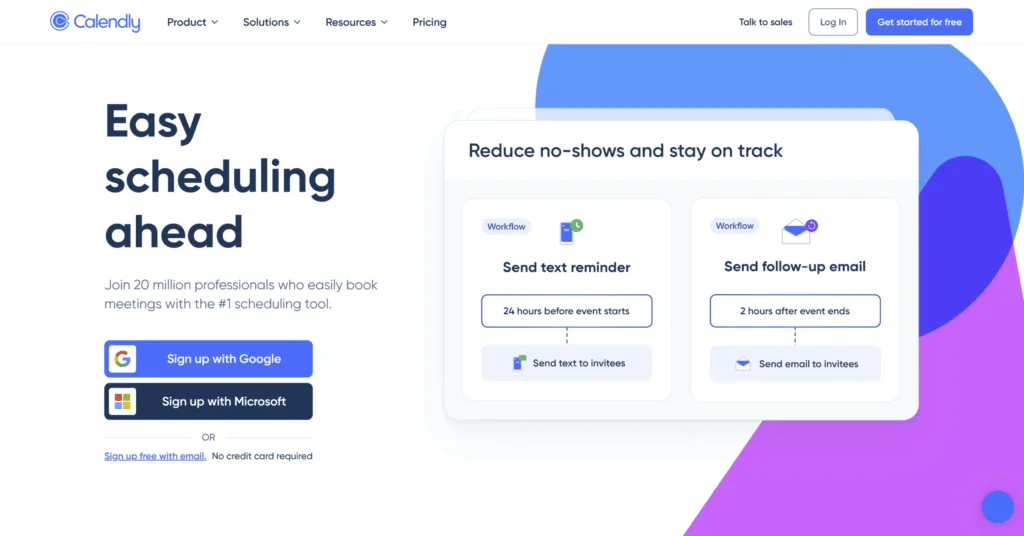
Calendly is the name most clients already recognize. It does one job well: fast, reliable booking links that sync with your calendar. Setup takes a few minutes, calendar sync is dependable, and video meeting links generate automatically.
What Calendly does well for coaching and consulting:
- Setup is genuinely fast. You can have a working booking link in a few minutes.
- Calendar sync is dependable, and video conferencing links (Zoom, Google Meet, Teams) generate automatically.
- Most clients have seen a Calendly link before, so there’s no learning curve on their end.
- Meeting polls are useful for group coaching sessions or workshops where you need to find a time that works for multiple people.
Where Calendly falls short:
- Intake is more basic than Acuity or even Appointlet. You won’t get the depth of pre-session questions a lot of coaches want.
- No package tracking at all.
- Workflows, payments, and team routing all live on paid tiers, and pricing is per seat, so a growing team gets expensive quickly.
- You’ll probably need a separate tool for client records and program delivery.
Pricing: Free plan with 1 event type and 1 calendar connection. Standard is $10/seat/month, Teams is $16/seat/month, both billed annually. Enterprise is custom.
Calendly is the right pick for you: If you want a simple, familiar booking link and don’t need packages or detailed intake.
4. SavvyCal
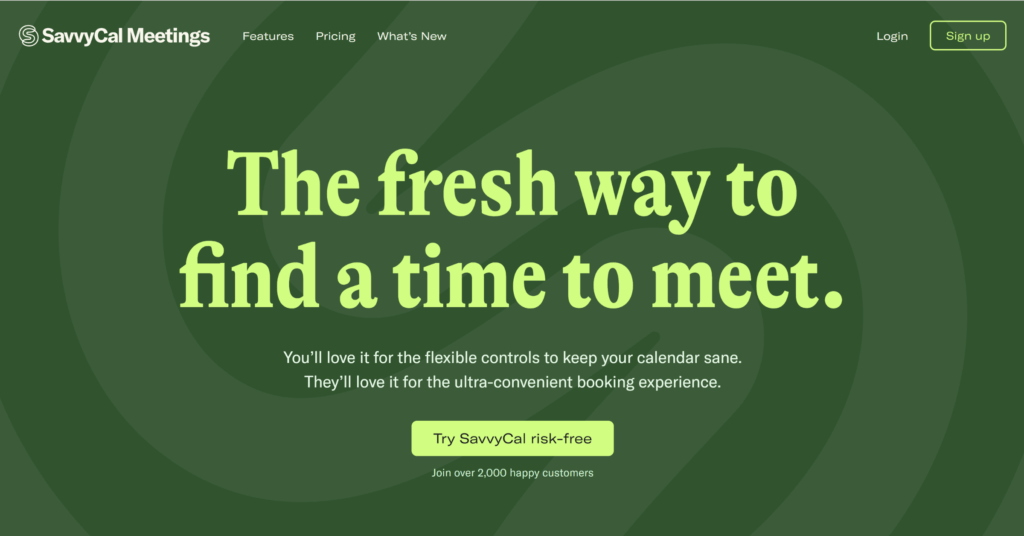
SavvyCal’s angle is the booking experience itself. Clients can overlay your available times on their own calendar when choosing a slot, which makes the whole process feel more considerate. For consultants who care about how that first interaction feels, that difference is noticeable.
What SavvyCal does well for coaching and consulting:
- The client-facing booking experience is genuinely pleasant. The calendar overlay lets people see your availability against their own schedule, which feels more thoughtful than a standard time-picker.
- Ranked availability lets you nudge clients toward your preferred times without restricting them.
- Unlimited scheduling links, calendar connections, meeting polls, and round-robin team scheduling come included on the entry plan.
- The design is clean throughout. If presentation matters to your brand, SavvyCal reflects that.
Where SavvyCal falls short:
- No permanent free plan, just a trial with a 30-day money-back guarantee.
- No native package tracking.
- Payments and branding removal require the Premium tier.
Pricing: Basic is $10/user/month, Premium is $17/user/month (adds paid bookings, custom domains, branding removal). All billed annually. No permanent free plan.
SavvyCal is the right pick for you: If the quality of your booking experience is part of how you present yourself, and you’re willing to pay a bit more for it.
5. Cal.com
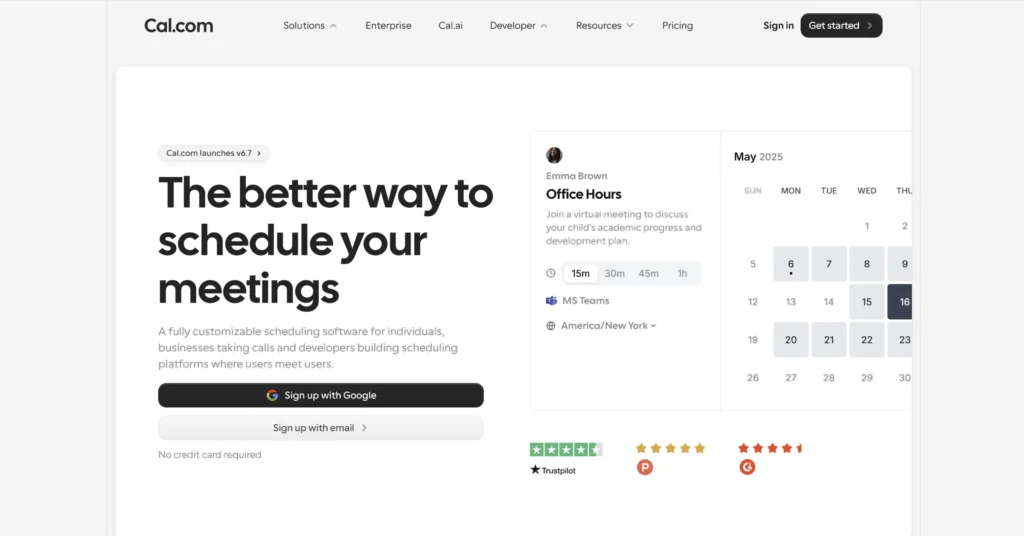
Cal.com is open-source, and its free plan is the most generous on this list for a single user: unlimited event types, unlimited calendar connections, unlimited meetings, plus payments and 100+ integrations. If you’re a solo coach who books constantly and doesn’t want a meeting cap, you get a lot for zero dollars.
What Cal.com does well for coaching and consulting:
- The free plan has no real limits for a solo user. Unlimited meetings, unlimited event types, unlimited calendar connections.
- Payments are included on the free plan, which none of the other free options here can match.
- Open-source means you can self-host and customize deeply if you want that level of control.
- 100+ integrations and a strong API for coaches who want to build around their scheduling.
Where Cal.com falls short:
- It was built with developers in mind. Some of the setup and customization assumes you’re comfortable with more moving parts than the average coach wants to deal with.
- Team features and advanced routing move to paid tiers.
- Support is mostly docs and community until you’re paying. No human on the other end of a quick email.
Pricing: Free for individuals with no limits. Teams is $12/user/month, Organizations is $28/user/month. All billed annually. Enterprise is custom.
Cal.com is the right pick for you: If you’re a solo user who books heavily and wants unlimited scheduling for free, or if you want the control that comes with open-source software.
So which one should you actually use?
For most consultants and coaches, Appointlet covers what you need without overcomplicating things or overcharging you. Intake, payments, reminders, team routing, and a real person on support for $9 a month or less. That’s the practical recommendation, and it’s where we’d point most people first.
We also know we’re not the right tool for everyone. If you sell multi-session packages or need HIPAA, Acuity does things we don’t. If how the booking page feels to a client is important to your brand, SavvyCal is genuinely pleasant to hand someone. If you’re a heavy solo user who wants unlimited bookings without paying anything, Cal.com is hard to argue with. And if you just want a name your clients already know, Calendly is fine.
The best way to decide is to run your actual booking flow through your top two picks for a week and keep whichever one you stop thinking about.
Frequently asked questions
What is the best scheduling software for coaches and consultants?
For most, Appointlet is the best all-around pick. It covers intake questions, paid sessions, reminders, and calendar sync on a free plan and a $9/member/month paid plan, with human support included. If you sell multi-session packages, Acuity Scheduling is the stronger option because it tracks packages and session credits natively.
Which scheduling tool is best for selling coaching packages?
Acuity Scheduling. It has built-in packages, subscriptions, and gift cards, and counts down how many sessions a client has left. Most other scheduling tools, including Appointlet, Calendly, and SavvyCal, don’t handle packages natively.
Is there free scheduling software for coaches?
Yes. Appointlet’s free plan covers up to 5 members and 25 meetings a month with intake forms and reminders included. Cal.com’s free plan is unlimited for a single user. Calendly has a limited free plan too. Acuity and SavvyCal offer trials instead of permanent free plans.
Can clients pay when they book a session?
On most of these tools, yes. Appointlet, Calendly, and SavvyCal collect payments through Stripe on their paid plans (Appointlet also supports PayPal). Acuity includes payments on every plan, and Cal.com includes payments even on its free plan.
What features should coaches and consultants look for in scheduling software?
Custom intake forms, automated reminders to reduce no-shows, payment collection for paid sessions, buffers and daily limits to protect your schedule, and reliable multi-calendar sync. If you sell programs, check for package or session-credit tracking. If you handle health data, confirm HIPAA support before storing anything sensitive.
Last updated July 2026. Pricing and features verified against each provider’s official pricing pages. These change, so confirm current details before deciding.